Automatic Newsletter Detection
Connect Gmail or Outlook and MiniLetter instantly finds every newsletter you receive, then groups them by topic — no setup needed.
AITechBusinessStartups
Stop losing great ideas in your inbox. MiniLetter organizes all your newsletters in one calm place and surfaces the insights that matter — every single day.
Secure read-only access for Gmail and Outlook.
Every week you receive dozens of newsletters. Some are valuable, some you never read, and most get buried under everyday email noise.
You open your inbox intending to read something interesting, then end up scrolling through hundreds of emails.

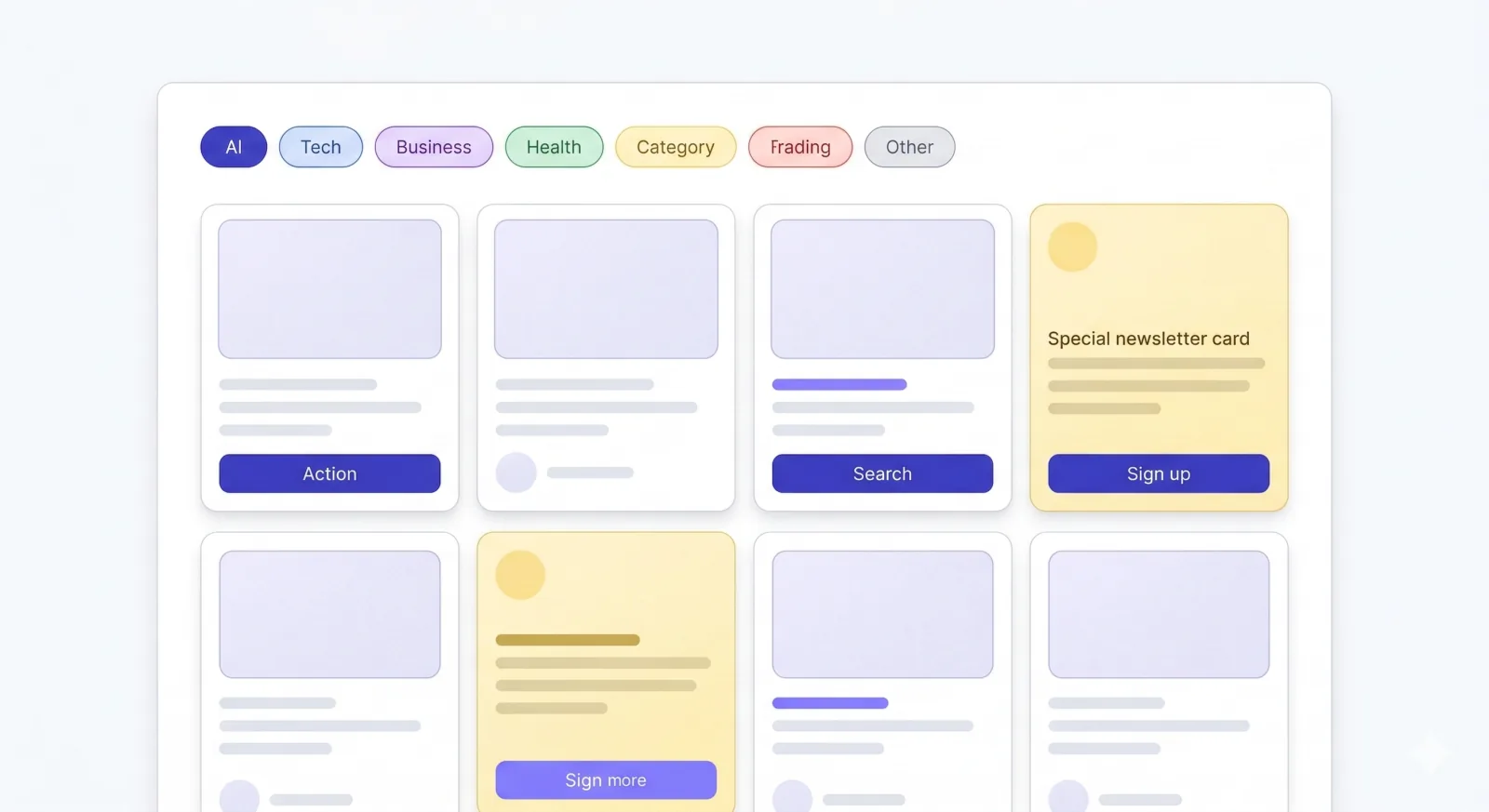
MiniLetter connects to your email and automatically detects every newsletter you receive — no manual sorting required.
Everything lands in a focused reading experience, organized by topic. And with the AI Daily Digest, MiniLetter distills the ideas worth remembering so you can read less and learn more.
Every feature is designed to reduce noise and surface what matters most — from automatic organization to AI-powered knowledge digests.
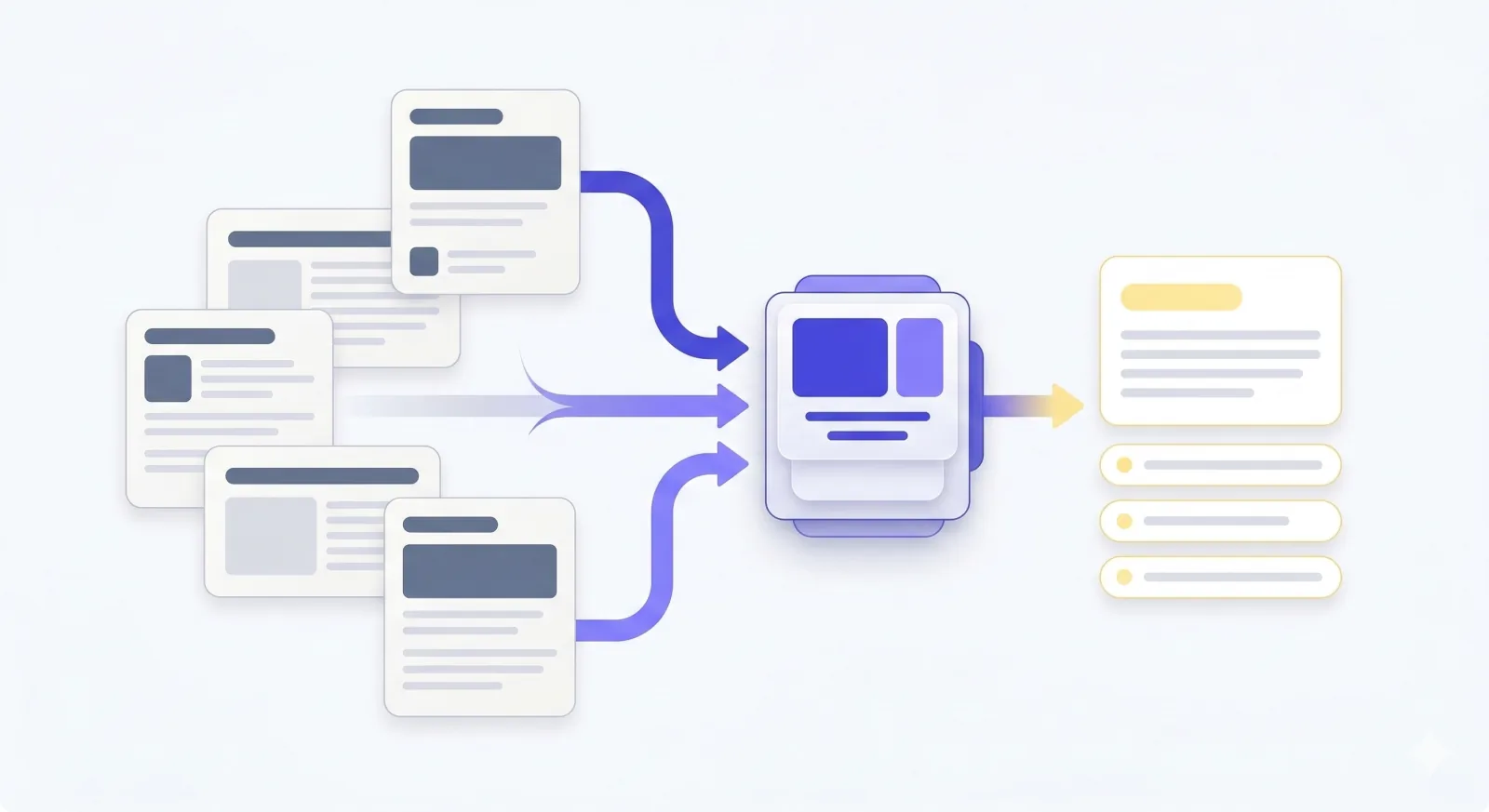
Connect Gmail or Outlook and MiniLetter instantly finds every newsletter you receive, then groups them by topic — no setup needed.
Newsletters in one focused feed — no inbox clutter, no distractions. Just the content you subscribed for, ready when you are.
Review all your subscriptions at a glance. Keep what sparks curiosity, mute what doesn't, and unsubscribe from anything in one tap.
Every morning, MiniLetter reads your newsletters for you and surfaces the key ideas, trends, and insights — distilled into one scannable briefing.
Sign in with Gmail or Outlook in seconds. MiniLetter uses secure read-only access — it never sends, deletes, or modifies anything.
MiniLetter automatically detects your newsletters and sorts them into clean topic categories. No manual work required.
Catch up in a calm, focused feed. Let the AI Daily Digest surface the ideas worth keeping — every morning.
Everything you need to know before you connect your inbox.
MiniLetter gives your newsletters a dedicated home — separate from your work inbox. It automatically detects, organizes, and lets you read every subscription in one calm place, while an AI digest extracts the key insights so you never miss what matters.
MiniLetter supports Gmail and Outlook with secure read-only access. We never modify your emails.
Every day, MiniLetter reads your incoming newsletters and distills the most important ideas, trends, and takeaways into a single, scannable digest — so you stay informed even on your busiest days.
Yes. From one dashboard you can keep, mute, or unsubscribe from any newsletter. The AI digest also helps you get the value of dozens of newsletters in minutes instead of hours.
Join the waitlist and be among the first to turn your newsletter subscriptions into a daily knowledge advantage.
We never sell your data.
What early readers are saying
“I didn’t realize how much I was missing. MiniLetter helped me finally get value from the newsletters I subscribed to months ago.”
Early access reader
“The AI digest is a game changer. I now absorb more ideas in 5 minutes than I used to in an hour of inbox scrolling.”
Early access reader